Ringtone
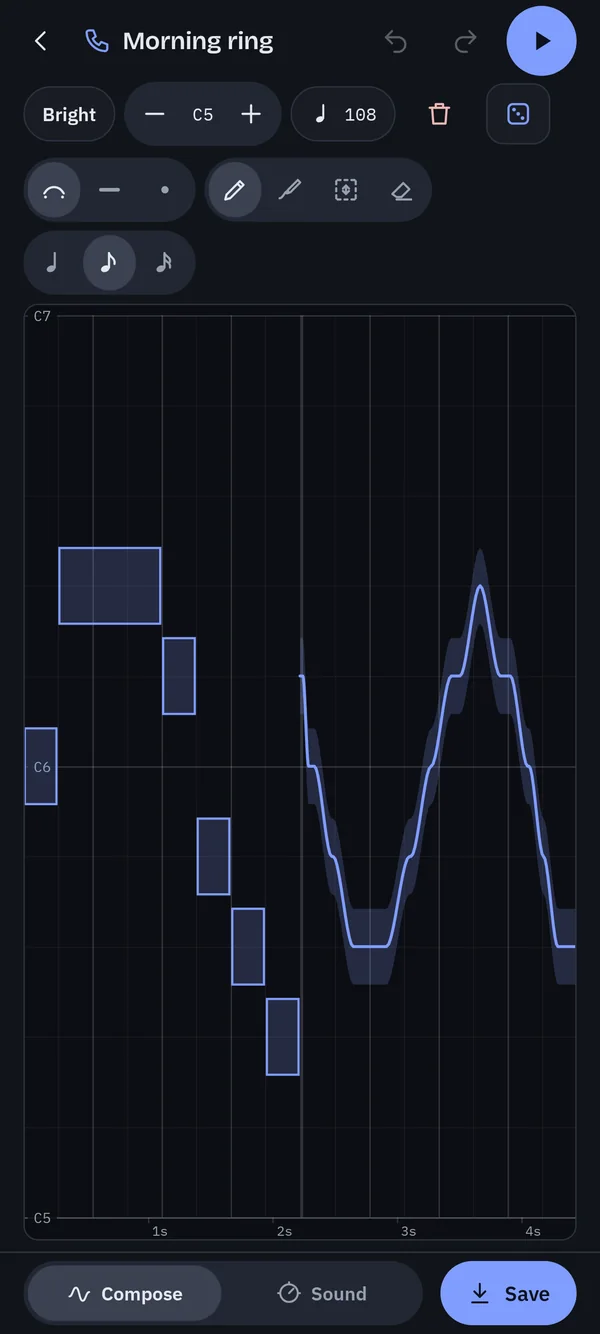
Draw a melody across two or four bars. Lines turn into notes on a grid locked to a scale, so whatever you sketch sounds good. Tap single notes, glide between pitches, loop it, and tune the tempo.
 ToneSketch
For Android
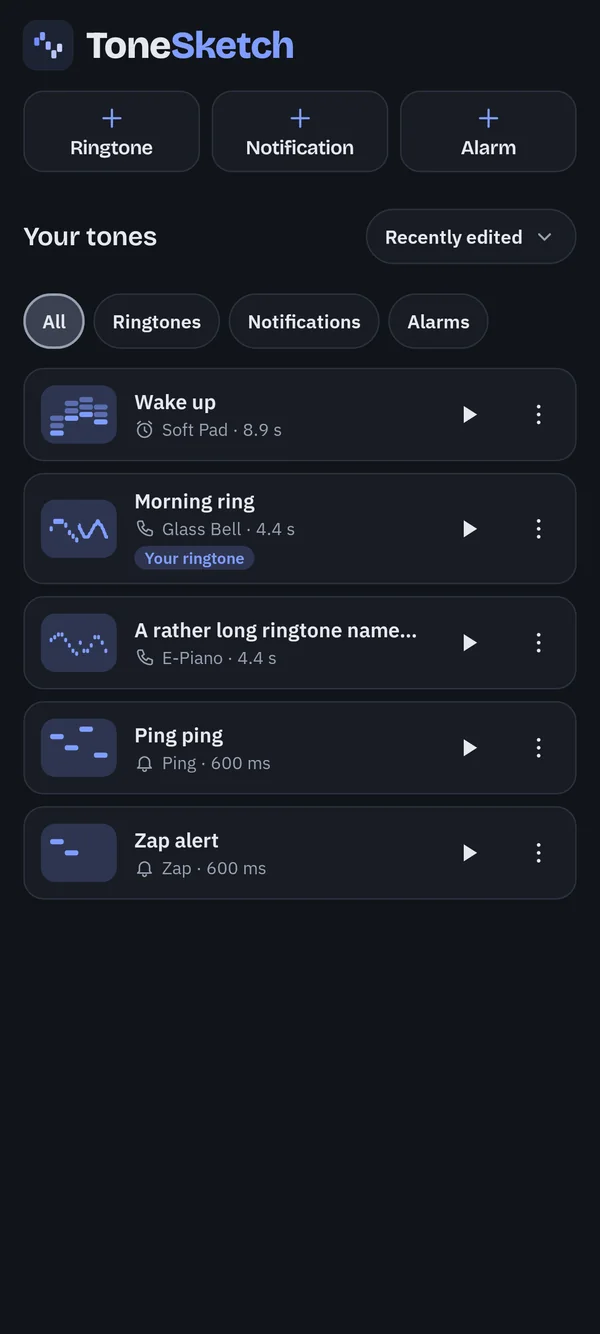
ToneSketch is a tiny studio for your phone. Sketch a tune with your finger, shape the sound, and set it as your ringtone, notification or alarm.
What you can make
Everything starts empty, on the plain sine wave, so what comes out is yours.
Draw a melody across two or four bars. Lines turn into notes on a grid locked to a scale, so whatever you sketch sounds good. Tap single notes, glide between pitches, loop it, and tune the tempo.
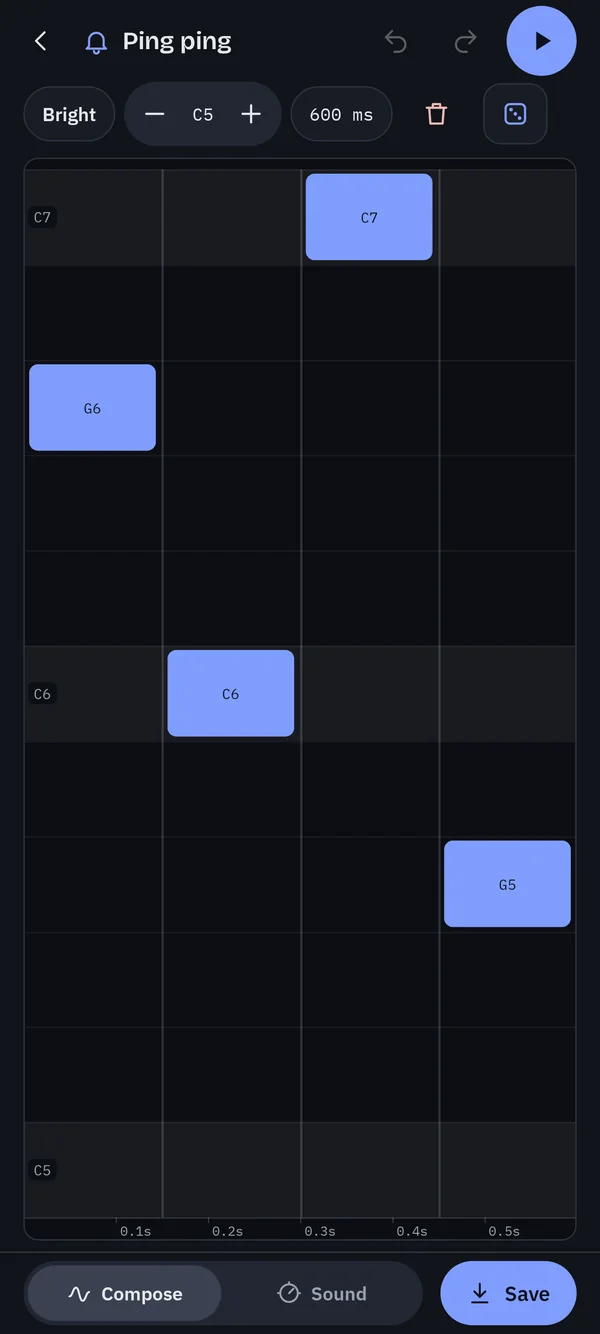
A short, distinctive ping in four steps. Tap in the notes, then shape the blip with sweeps, chirps and crunch until it sounds like nobody else's phone.
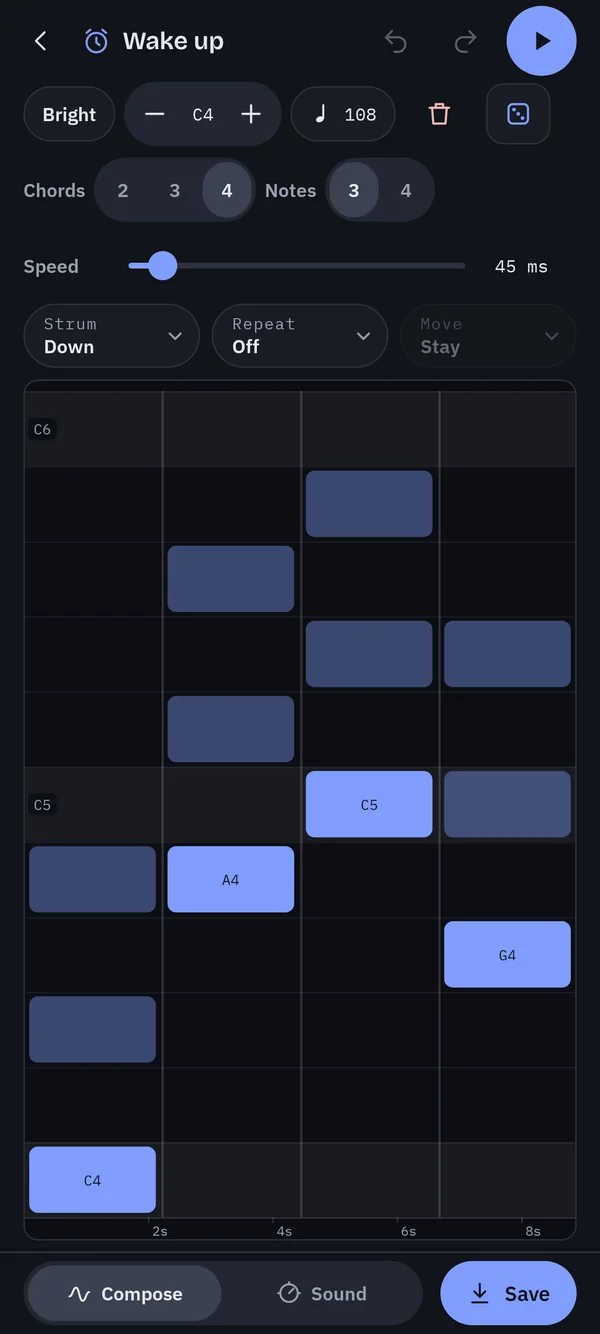
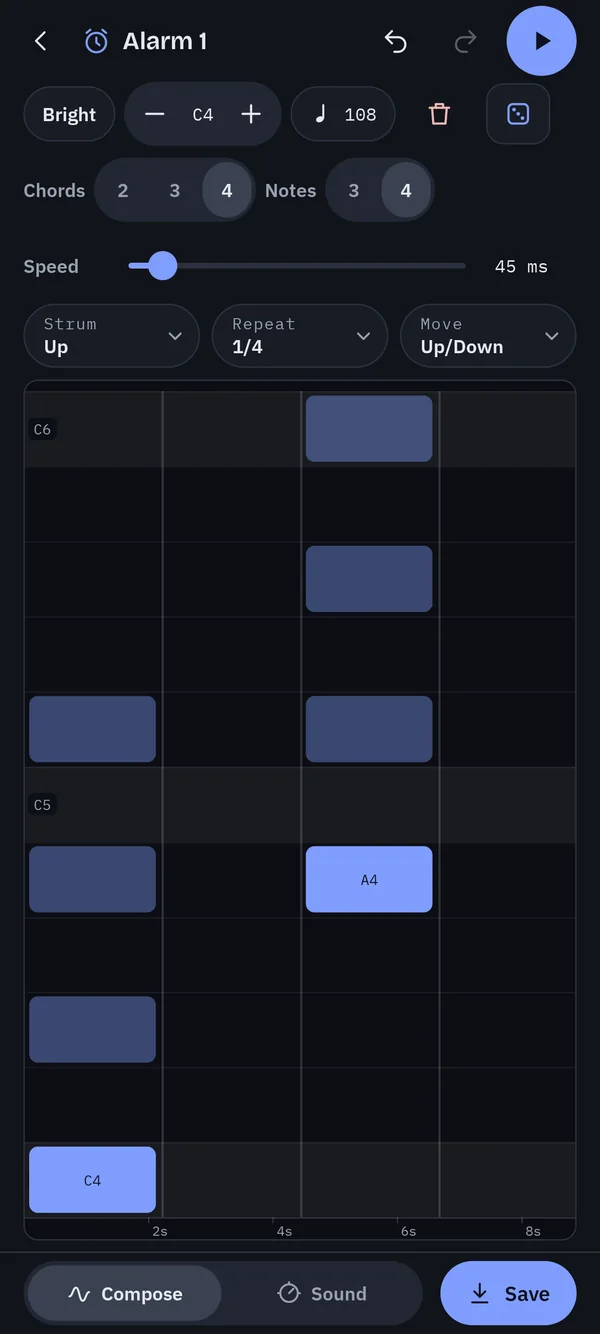
Build up to four chords and strum them like a guitar. Let the strum repeat on the beat and walk the chord up or down through its inversions for a wake-up that actually feels good.
Compose
Drag across the canvas and your line becomes notes, snapped to the scale you've chosen. Choose quarter, eighth or sixteenth notes, and shorten or lengthen them. Everything you draw plays straight back, looping.
The Glide pen bends smoothly from one pitch to the next. The Edit pen picks up notes: tap one, or drag a box round several, then drag them up or down together. The Erase pen is there when you change your mind.
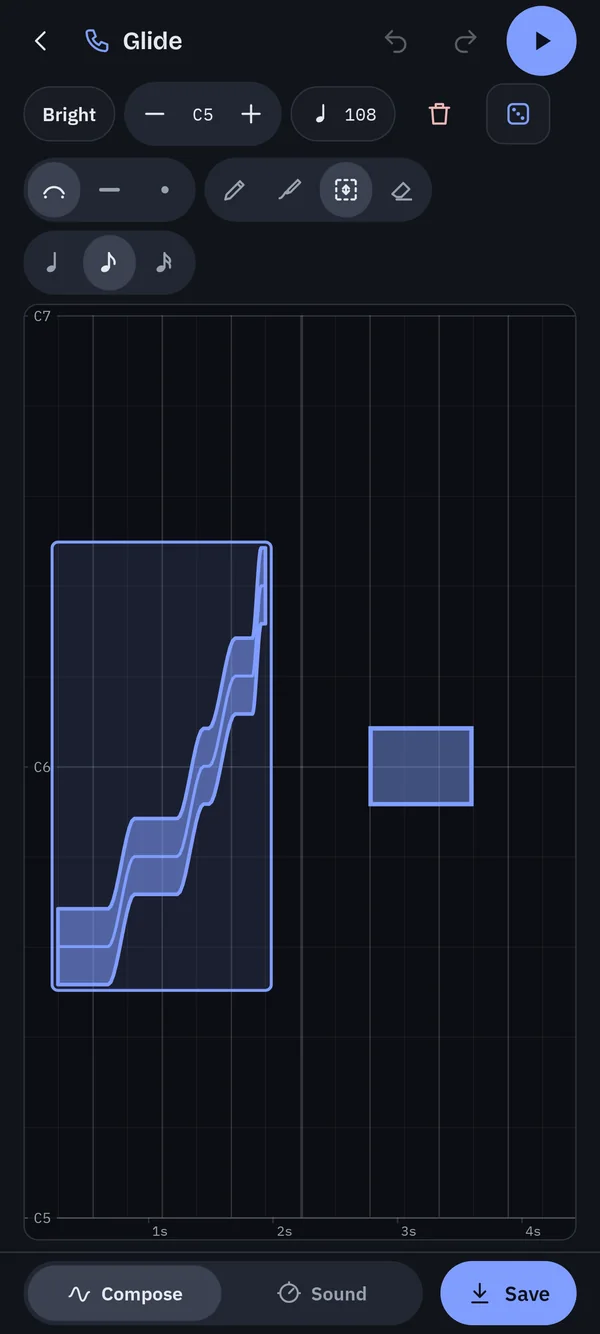
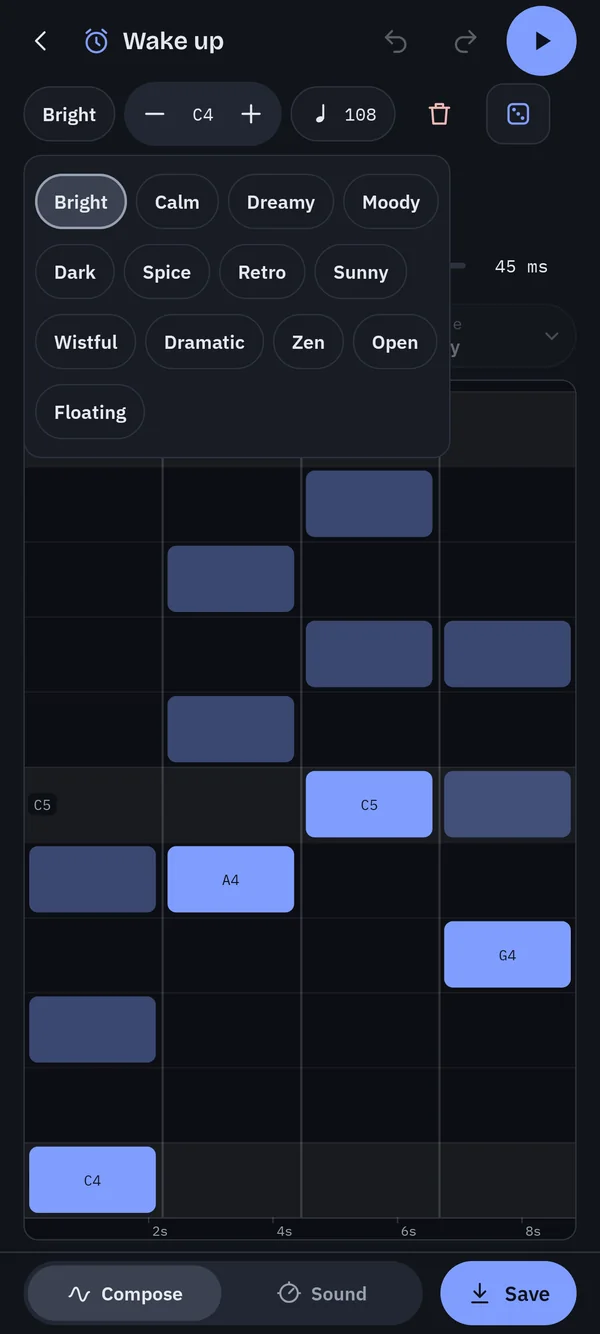
Thirteen scales, from Bright, Calm and Moody to Dramatic, Zen and Floating. Every note you can draw is in key, so it can't sound wrong. Change mood or octave halfway through and your melody simply moves with it.
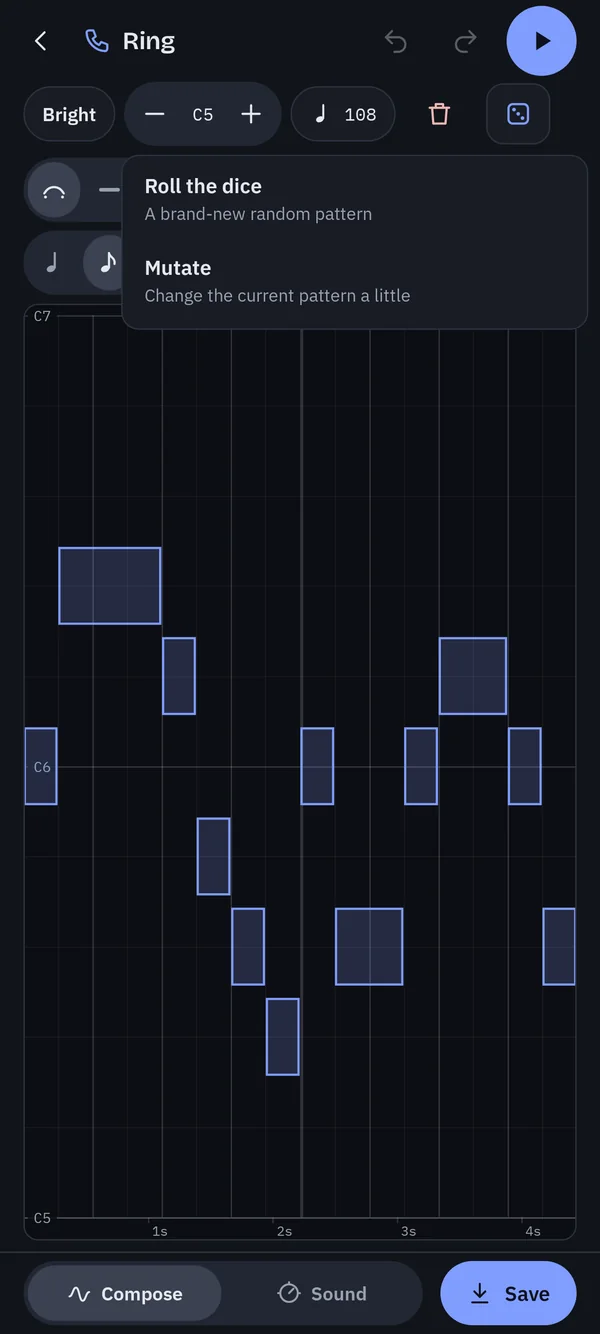
Stuck on a blank canvas? Roll a brand-new pattern with a mix of short, long and gliding notes, or mutate what you have a little. Don't like it? Undo and it's back.
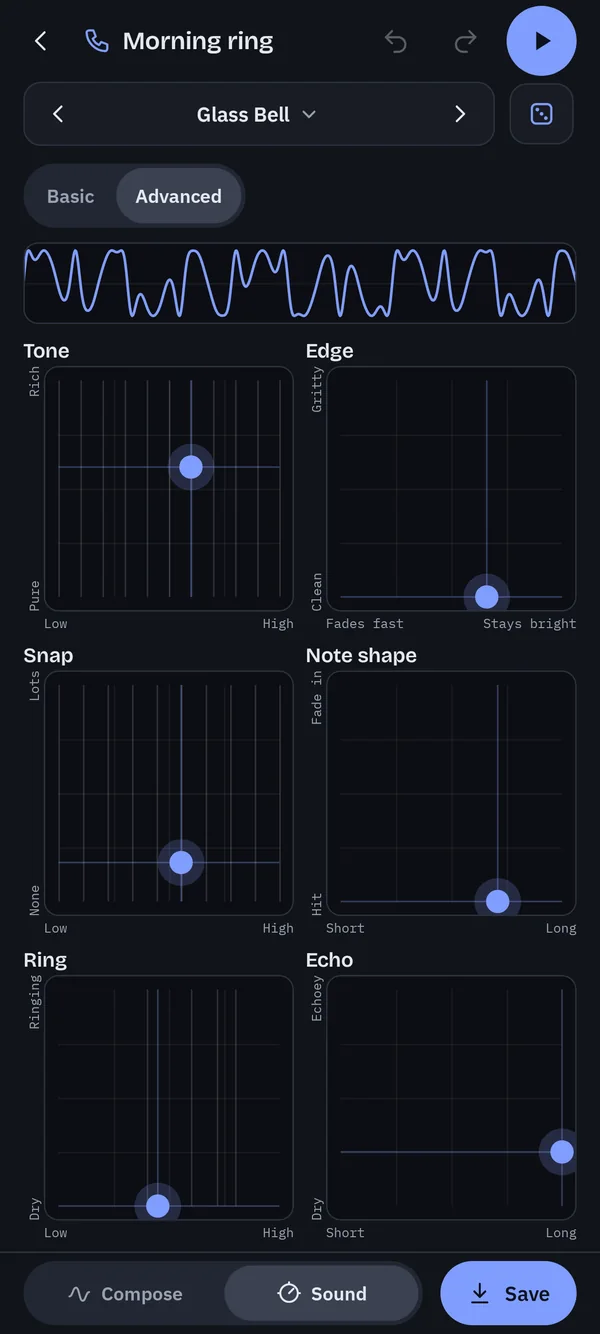
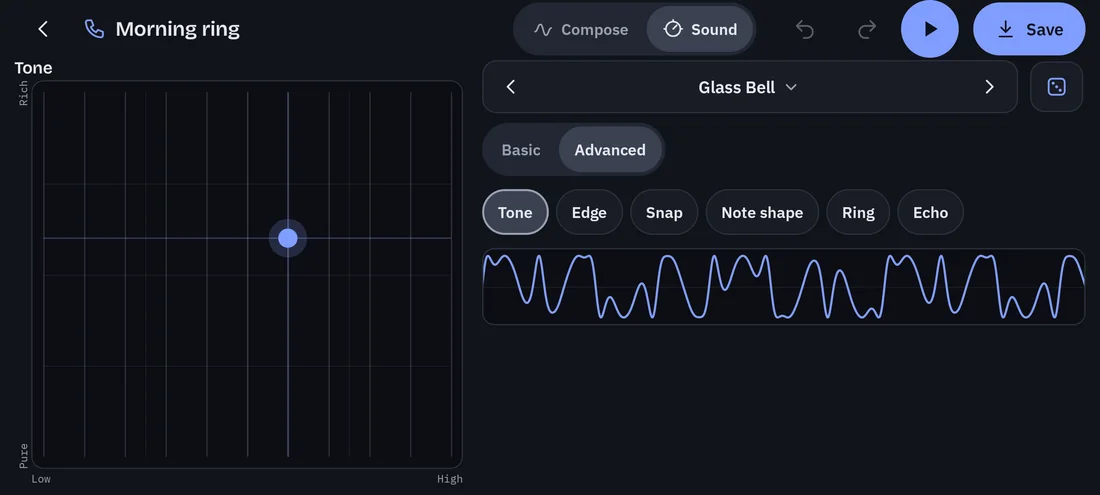
Sound
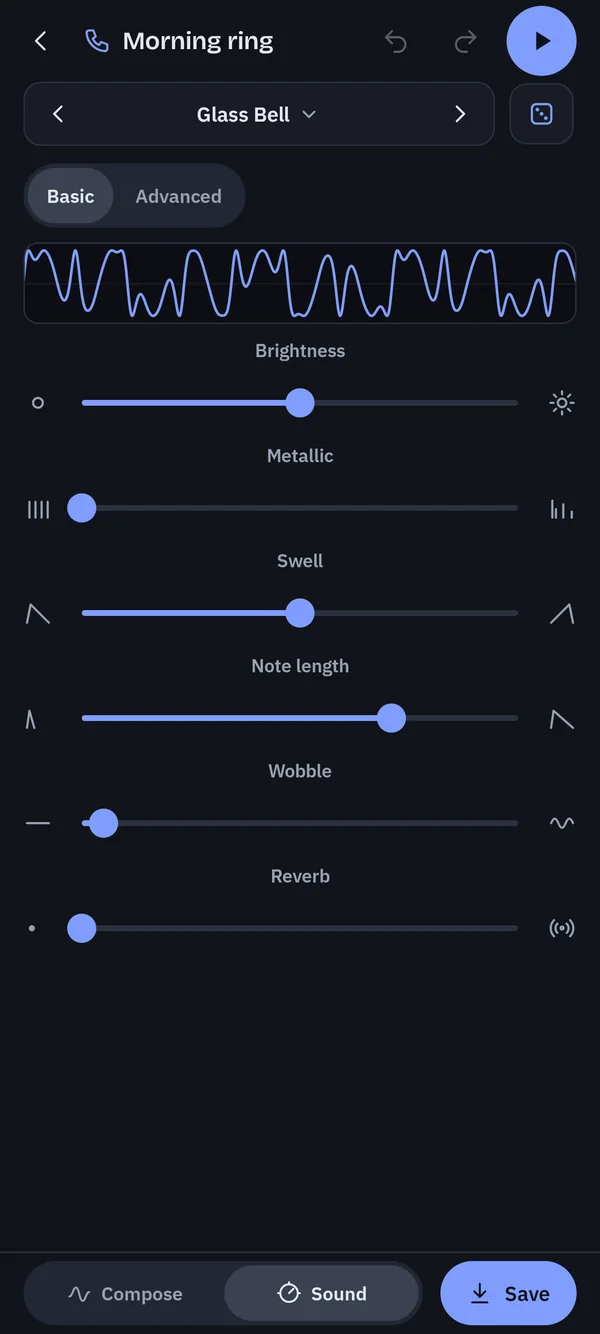
Under the hood is an FM synthesiser, the technology behind a lot of classic bells, electric pianos and arcade bleeps. You don't need to know that. Start from a preset and move things until it sounds right.
Alarms
Alarms are built from up to four chords. Pick a root note for each and ToneSketch stacks a chord on it from your mood's scale.
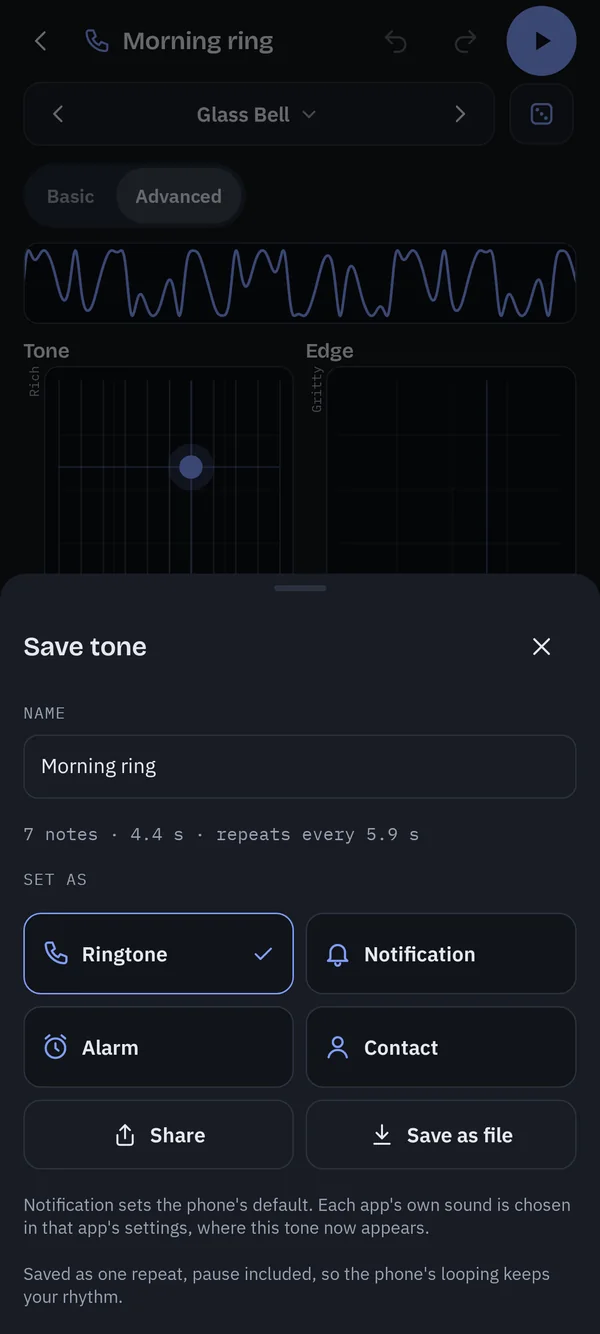
Save and share
No account. No ads. Nothing leaves your phone: your tones live on your device, and the app works fine offline.